The villa in augmented reality
Choose how to see it: as a model on the table or at real size on the floor.
Your phone could not open augmented reality. You can still explore the villa in the 3D viewer. View the villa in 3D
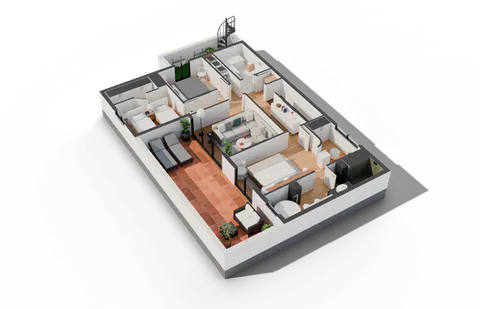 1:20 model on your table
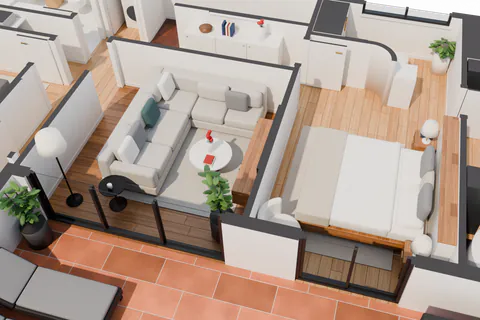 Real size
On a computer

Scan the code with your phone’s camera to open the villa in augmented reality, on iPhone, iPad or Android.
- 1:20 model on your table. 1:20 scale, walls cut at 1.15 m.
- Real size. 9.1 × 14.1 m at 1:1 scale.
Augmented reality works on a phone or tablet. On a computer you can explore the villa in the 3D viewer.
If nothing happens, open this page in Safari (iPhone) or Chrome (Android).
How it works
- Tap one of the two options.
- Point the camera at a table or the floor and move the phone slowly.
- With the tabletop model, pinch to zoom or rotate it. At real size, walk through it.
- Tap “Book a demo” if you want this for your properties.